Introduction
Scan. Seal. Track. In just a few steps.
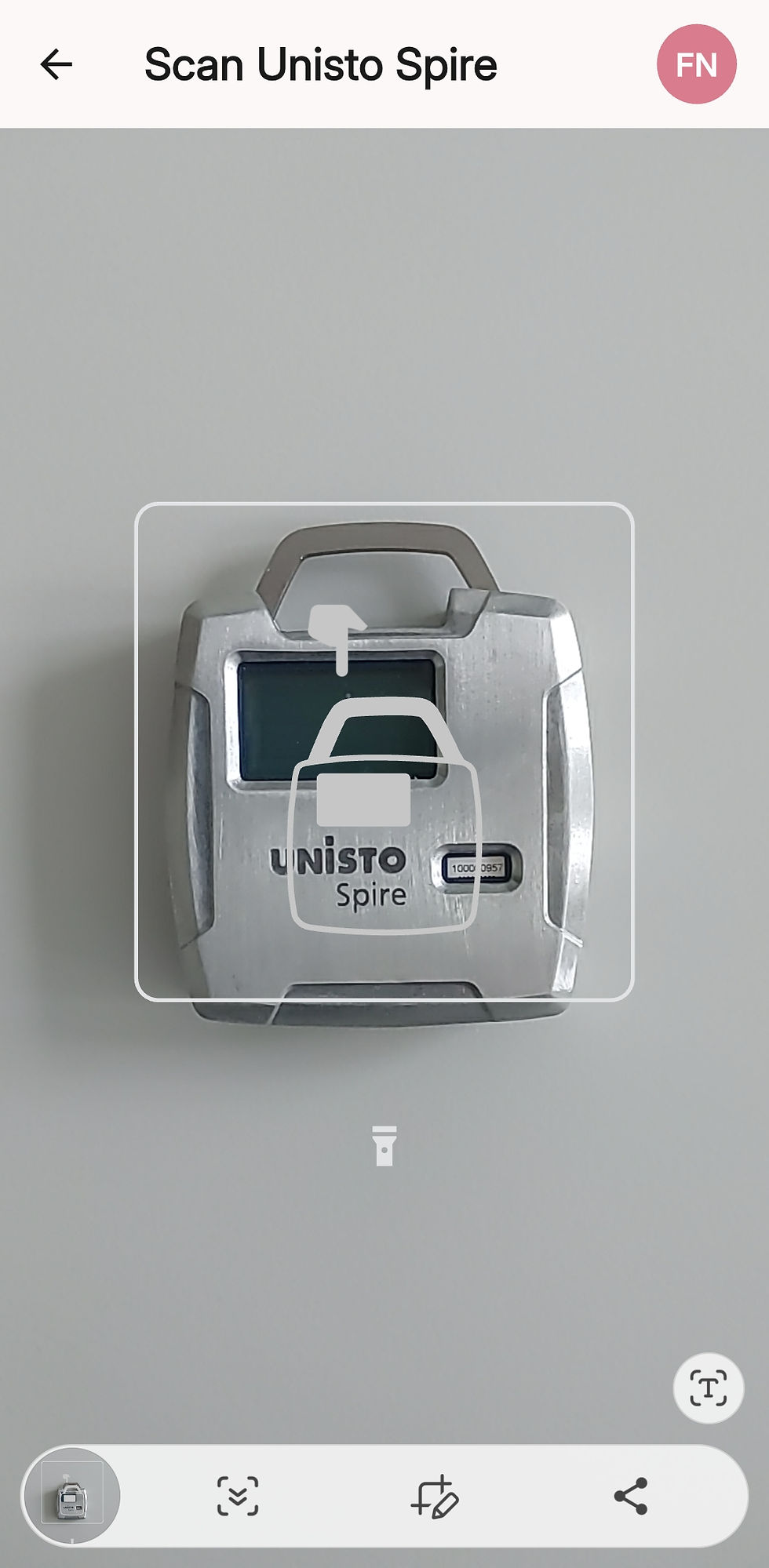
Welcome to the new myU Connect app, the central interface between your electronic security seals and the myU platform.
The app has been completely redesigned to support your work processes – whether on the ground or in the air – securely, quickly, and reliably.
For daily use
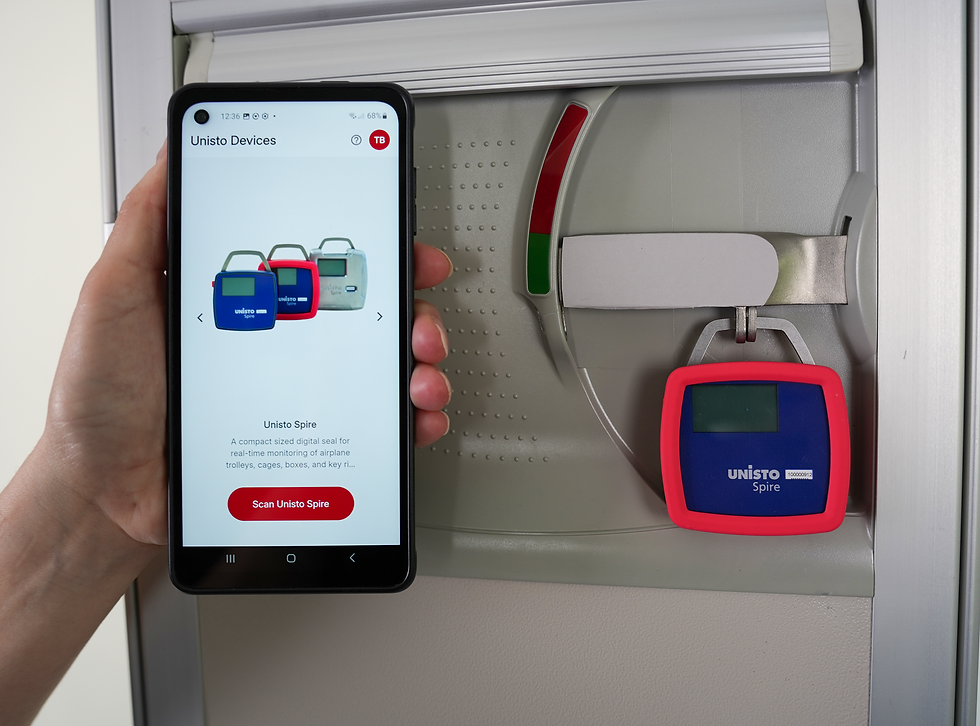
Designed for everyday use
We know that mobile applications must function reliably in everyday work.
Therefore, the myU Connect app has been specifically optimized for stability, speed and ease of use, so that you can control your digital sealing processes at any time.
Whether sealing trolleys, boxes or high-value air freight – the app remains reliably in use.
Why the myU Connect App
Key benefits and features
The myU Connect app turns every sealing process into a digital event — automatically documented, transmitted in real time and seamlessly traceable.
Stable and fast performance
The app was designed to quickly and reliably record your sealing process.
Wide device support
Compatible with Android 11 or newer and iOS 18 or newer.
Always up to date
Updates for iOS and Android are provided on a regular basis to ensure you remain operational at all times.
Enhanced tracking features
Maximum transparency worldwide: The combination of map view and geofencing delivers precise location data for your security seals, even when crossing international borders.
Offline capability
The app also works without an internet connection. Data is stored locally and automatically synchronized as soon as a connection to the myU platform is re-established.
Modern, clean design
The app is easy and, in particular, intuitive to use in everyday life.
Here's how it works
Rapidly deployed, centrally managed
As an administrator, you create users and groups in the admin dashboard, assign roles and permissions, and define geographic zones for your processes. Your team can then easily download the app from the app stores and start using it immediately.
01
Create users and groups
Create users and groups for your teams in the admin dashboard and organize your employees centrally in one place.
02
Assigning roles and rights
Define individual roles and permissions so that each employee can only access the functions they need.
03
Configure geozones and processes
Define geozones and processes to control workflows efficiently, safely, and transparently.
04
Deploy and launch the app
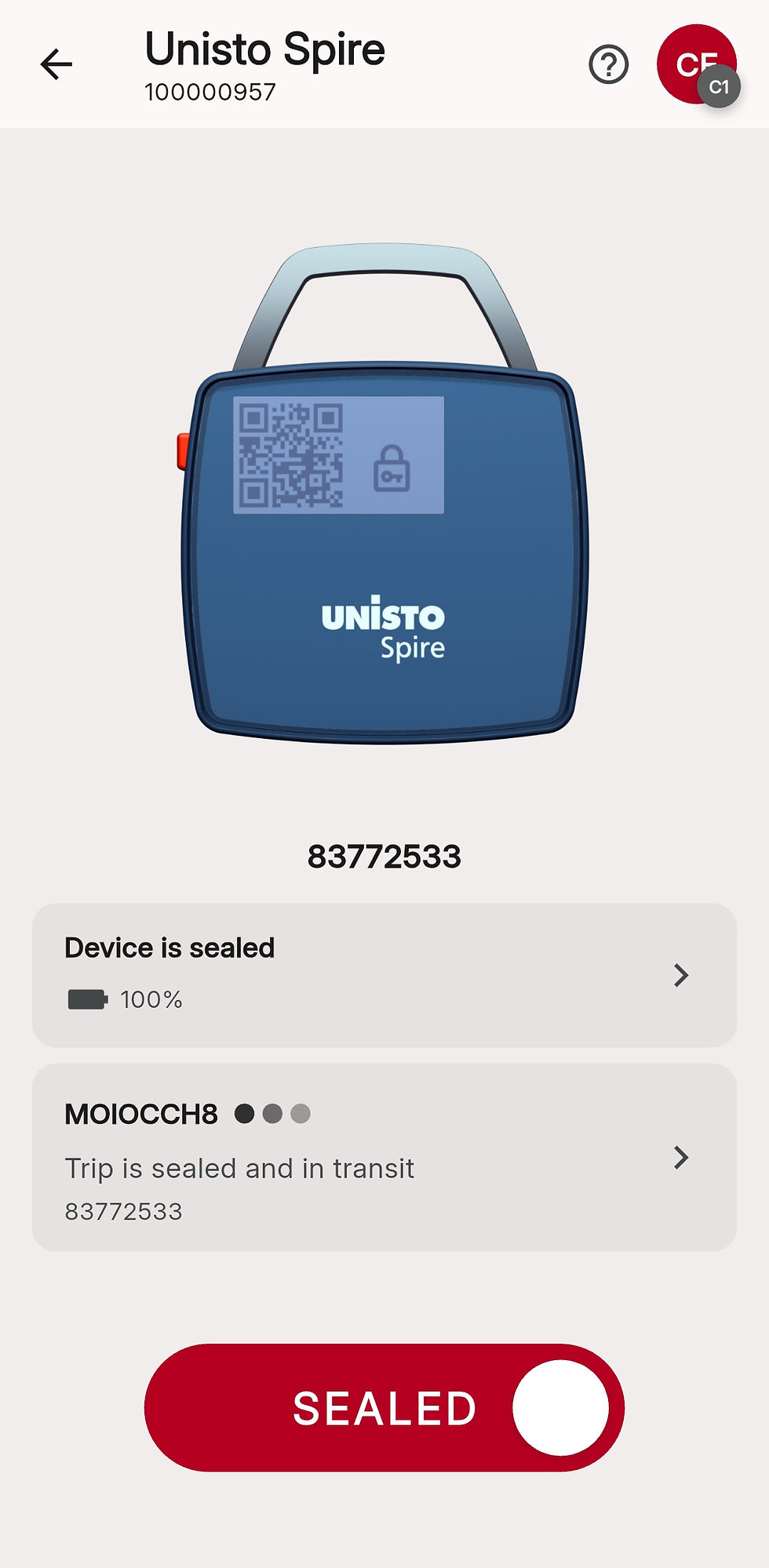
Your team downloads the app directly from the app stores and can start recording seals immediately.
Technical requirements
Minimum requirements
Operates on most latest smartphones. Here's an overview of the technical details.
Operating system
Android 11 or later
iOS 18 or later
Bluetooth
Bluetooth is required for direct communication with the electronic seals.
Camera
Rear camera required for scanning QR codes on the seals
Location services
Location services
Network
Wi-Fi or mobile data connection required. Temporary offline function available.
Start now
Start your journey to a fully digital security solution with the myU Connect app.
Connect your electronic security seals to a powerful mobile platform for maximum control and transparency.
the Unisto ecosystem